Apple Pay on one. Apple Pay on all.
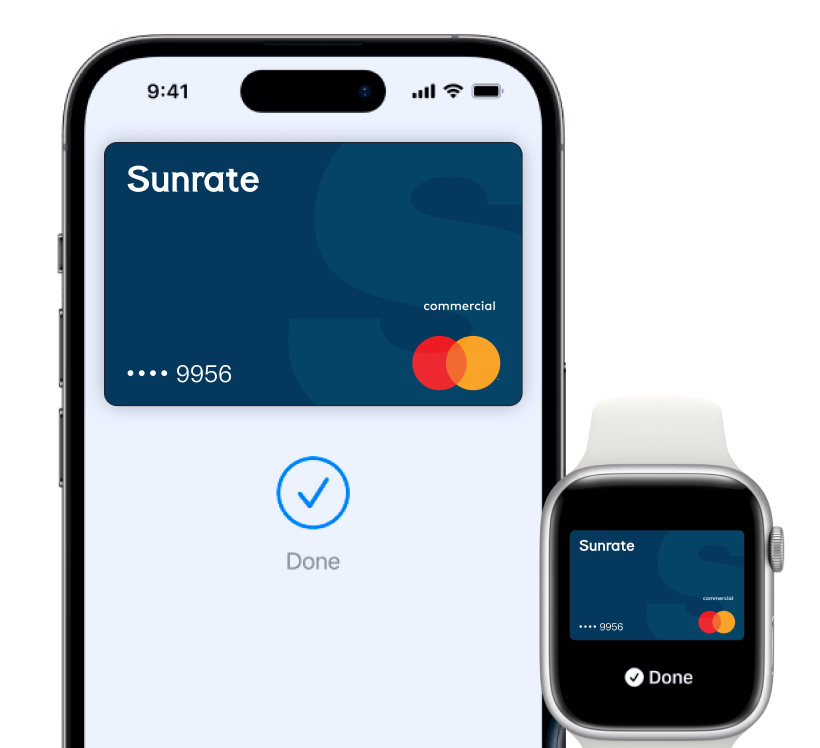
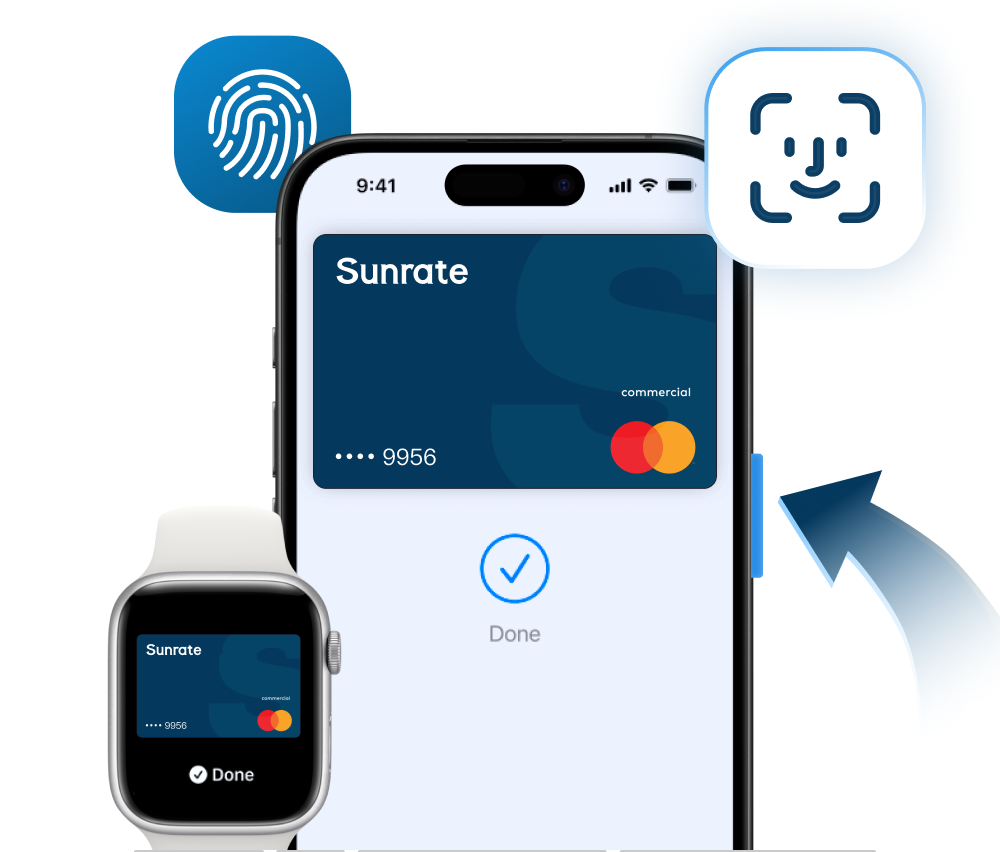
Apple Pay makes it easy to pay with your Sunrate card on your iPhone, Apple Watch, Mac, iPad and Apple Vision Pro.
Private. Secure. That’s Apple Pay.
Apple Pay uses the existing security features in your Apple device, including Face ID and Touch ID-which means only you can authorise payments.
An easy checkout every time.
With Apple Pay, information like your name and address is automatically populated at checkout.
How to add Sunrate Cards
How to pay with Sunrate Cards
Where to pay with Sunrate Cards
How to add Sunrate Cards
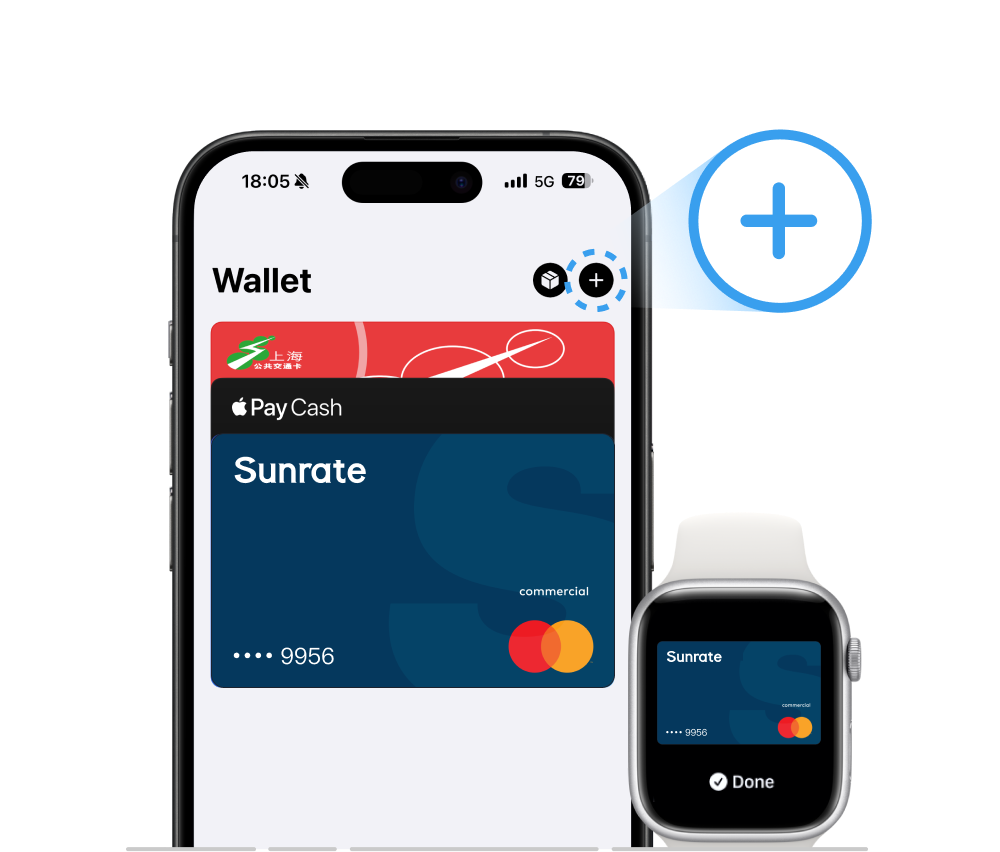
iPhone wallet
Open Apple Wallet on your iPhone and tap the plus sign (+) to get started. You also have the
option to add your card to any paired Apple Watch.
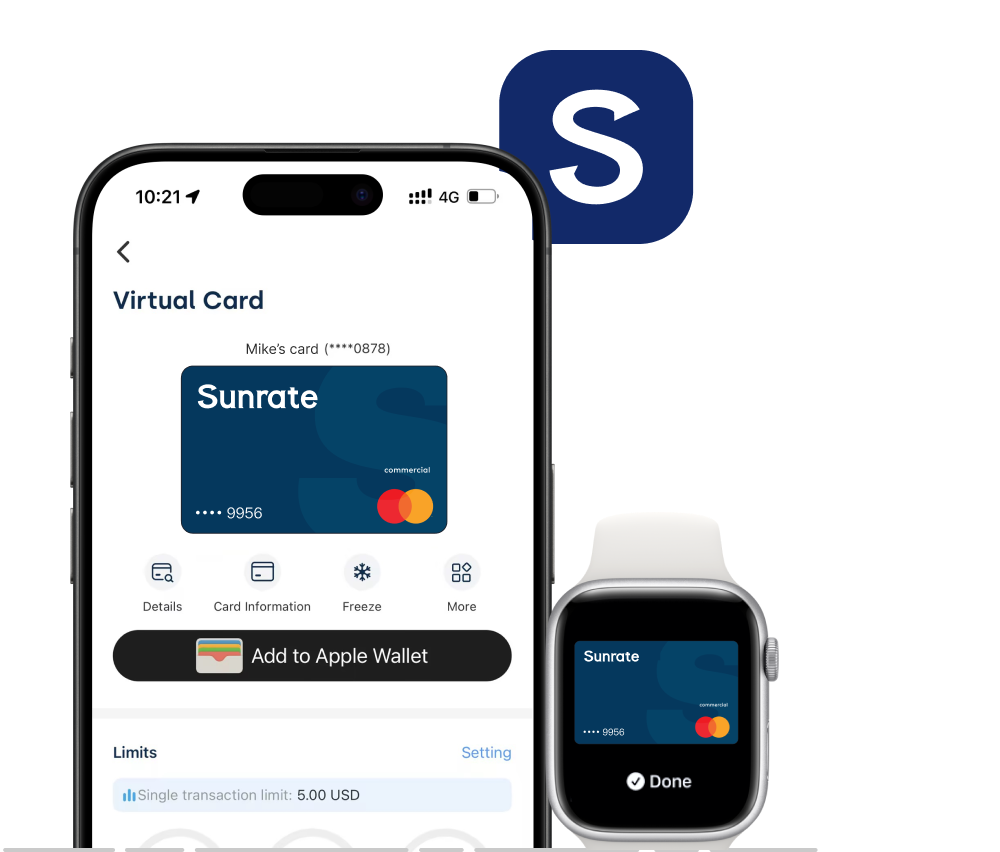
Sunrate app
Open your Sunrate app on your iPhone and enter the card details page, then click ‘I want to
Add to My Apple Wallet’.
How to pay with Sunrate Cards
In-store
With iPhone, double-click the side or Home button, authenticate with Face ID, Touch ID, or
your passcode, then hold your device near the reader to pay. With Apple Watch, just
double-click the side button, then hold your device near the reader to finish your purchase.
Online or in-app
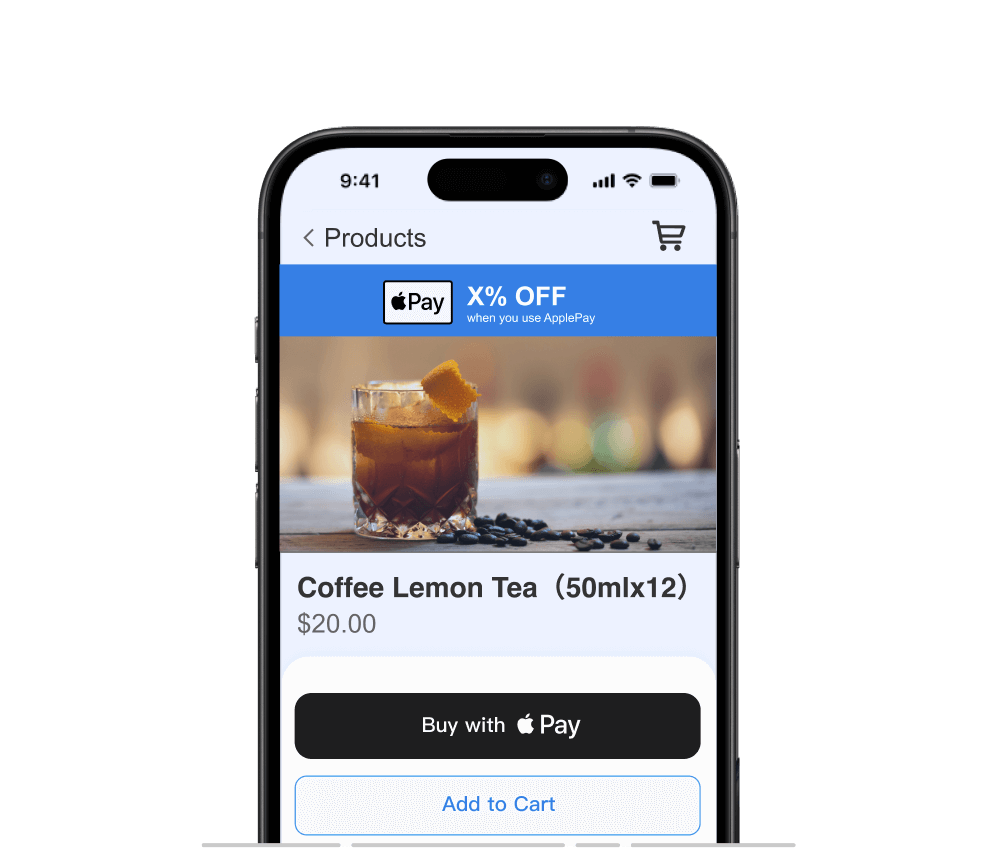
When purchasing online or in-app, tap the

button, confirm your billing and shipping
information, then authenticate with Face ID, Touch ID, or your passcode.
Where to pay with Sunrate Cards
Pay safer and faster using your Sunrate Cards with Apple Pay.
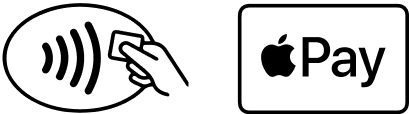
Use Apple Pay wherever you see one of these symbols.